LSU Football System Properties LogoWhen you right click on My Computer and choose Properties, your PC's System Properties are displayed. If your computer came from a specific vendor such as Dell or Gateway, these files may already exist and contain information like support telephone #s. If the files do exist, you will be prompted before they are overwritten. Windows NT (2000, NT4, or XP) - oeminfo-lsu2008.exe If you aren't comfortable running a .exe file, you can rename a zipped .exe file to .zip. With these copies of oeminfo.ini and oemlogo.bmp in your system directory: The logo will look like: 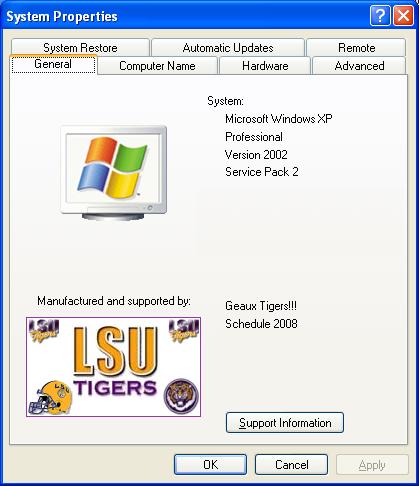
Clicking on Support Information will bring this screen up: 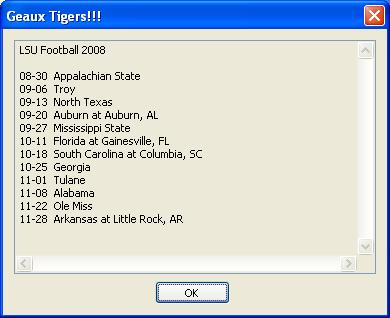
|